Windows 11 Deploys Algorithmic CPU Bursting via the Low Latency Profile
Microsoft recently initiated the development of an experimental system feature designated as the Low Latency Profile within Windows 11. Specifically, this optimization layer accelerates the execution speeds of core shell components. These assets include the Start Menu, the search interface, the Notification Center, and context menus. To achieve this, the underlying kernel dynamically escalates CPU clock frequencies immediately upon user interaction. Consequently, this sudden burst cycle dramatically compresses local response latencies.
However, this architectural methodology has provoked notable criticism across technical communities. Multiple skeptics assert that relying on transient hardware acceleration represents a superficial patch rather than genuine code optimization. They argue that the core system components remain fundamentally un-optimized. Conversely, Microsoft staunchly defends this behavioral pattern as a standard benchmark for modern operating systems. Furthermore, the enterprise completely dismisses any allegations of operational deception.
Integration Into the Production Environment
Regardless of ongoing debates, the Low Latency Profile has formally arrived within the Windows 11 stable channel. Users can manually trigger this acquisition by downloading the optional preview update cataloged as KB5089573. This particular package natively targets Windows 11 builds 24H2 and 25H2. Nonetheless, activating the underlying framework still requires the manual configuration of a hidden feature identity.
Controlled Rollouts and Performance Projections
This hidden requirement implies that Microsoft is conducting a localized, phased deployment strategy. Subsequently, the enterprise will likely integrate the feature universally within the June cumulative update. Therefore, conservative practitioners can comfortably bypass manual adjustments and await the upcoming stable distribution.
Additionally, users should maintain realistic expectations regarding actual performance gains. The optimization layer typically shaves merely a few hundred milliseconds to a single second off standard latency intervals. Thus, individuals might only perceive the enhanced fluidity through protracted, long-term daily usage.
Definitive Provisioning and Activation Protocols
Mandatory System Prerequisites
- Operating System Base: Windows 11 Build 26100.8524 or Build 26200.8524 and higher.
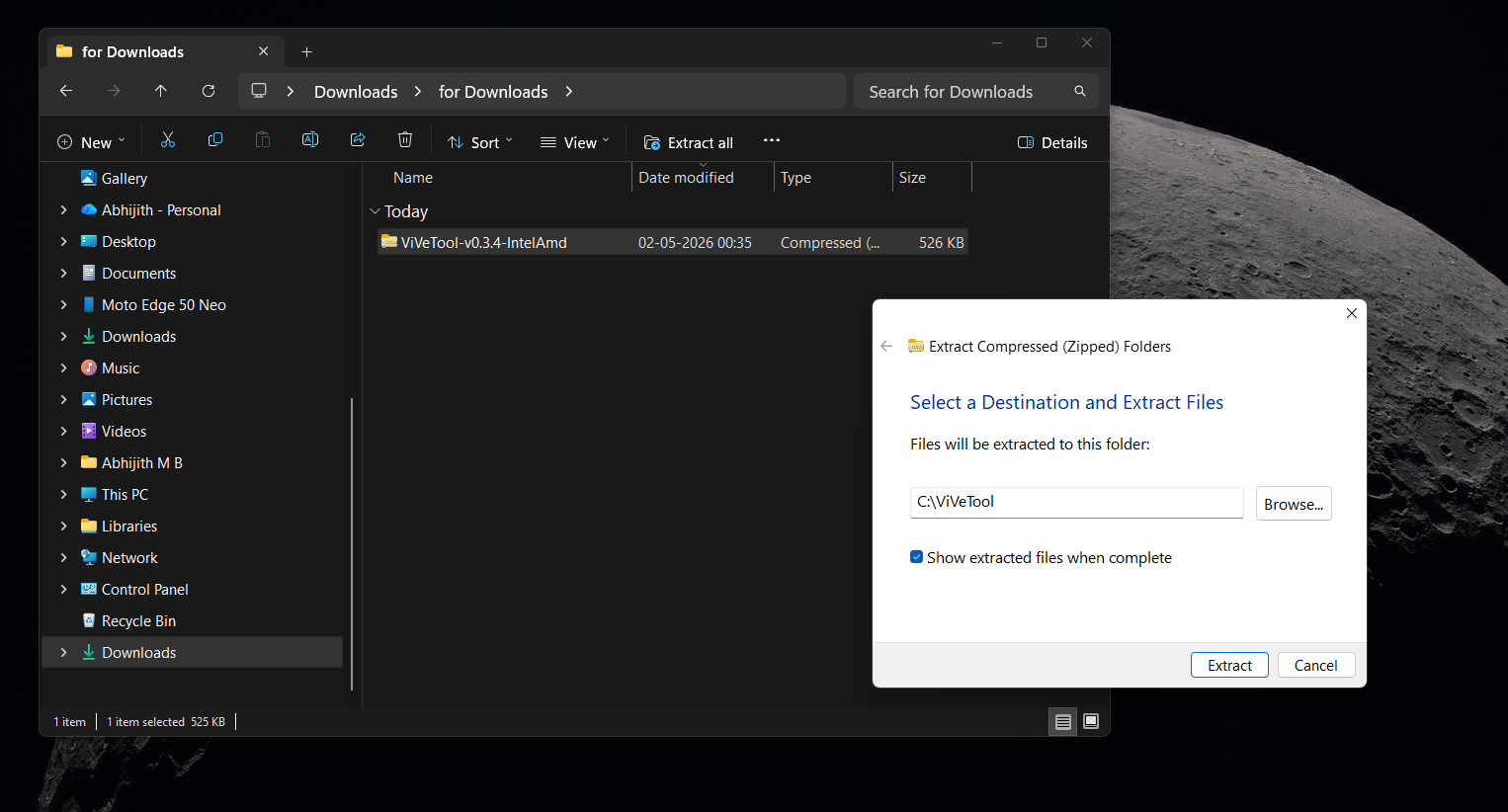
- Orchestration Tool: Acquire the ViveTool command-line asset to manipulate hidden configuration states.
Execution Matrix via ViveTool
To enforce the activation or suppression of the subsystem, administrators must execute target directives within an elevated console window.
# Initialize the Low Latency Profile subsystem
vivetool /enable/id:58989092

# Suppress the Low Latency Profile subsystem
vivetool /disable/id:58989092
Subsequently, technicians must reboot the host system to commit the architectural alterations to memory. Following the system restart, users can carefully audit UI interaction latencies to measure operational acceleration.
Support Our Threat Intelligence
If you find our technology report and cybersecurity news helpful, consider supporting our work.
 Buy Me a Coffee
PayPal
Buy Me a Coffee
PayPal


