uBlock Origin Blocks ClickFix Malware Pop-ups
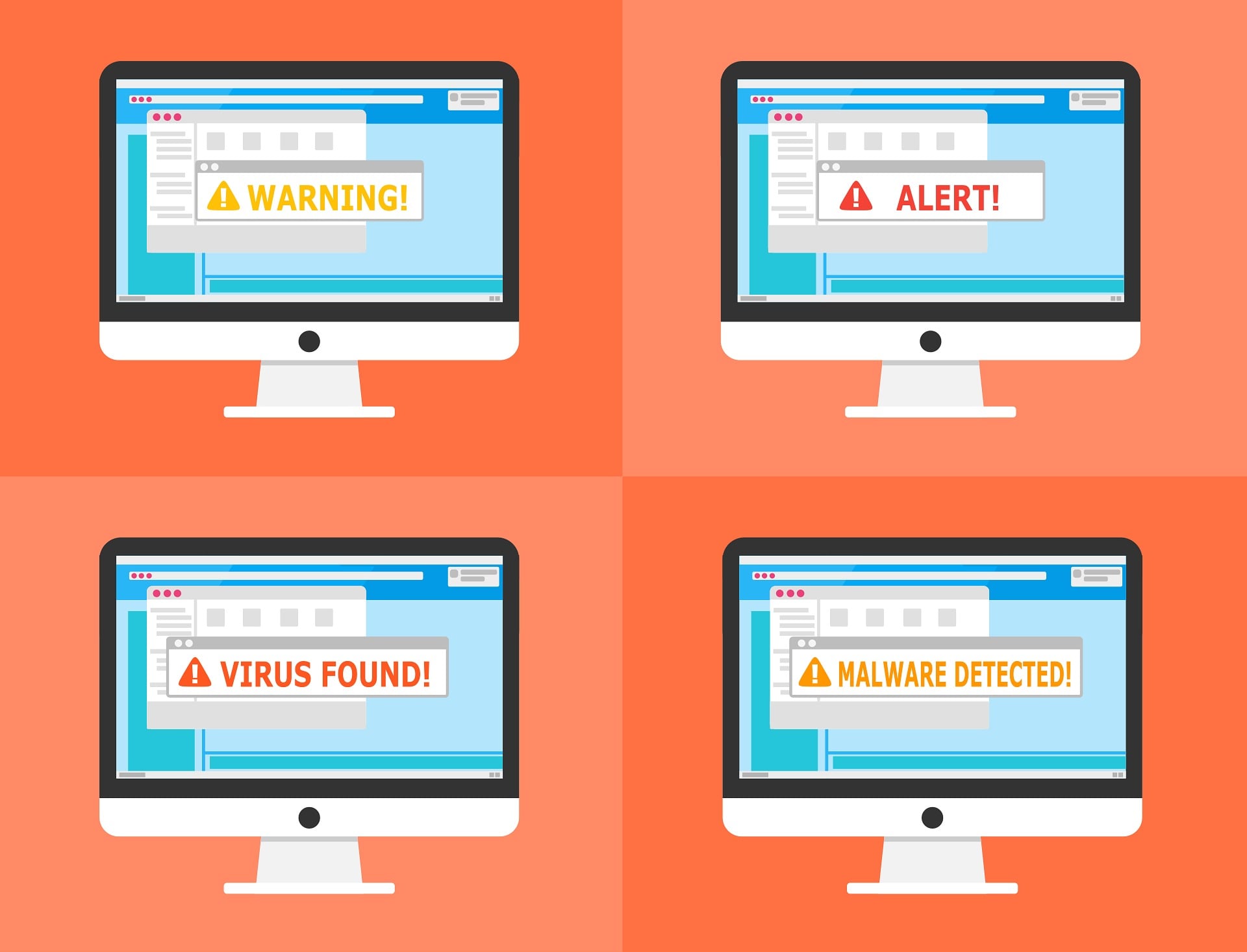
uBlock Origin, the popular ad-blocking extension, has gained new capabilities to protect users. It now detects and blocks websites that display malicious ClickFix pop-ups. These sites try to trick visitors into running dangerous commands on their own machines.
What the New Filters Cover
Developers added several new filters to the extension’s rule set. These filters block network requests and web pages connected to this class of attack. The rules cover known schemes in which attackers use APIs, scripts, and forms to load malicious content and exfiltrate data.
You can review the new ClickFix filter rules in the uAssets repository to see exactly which domains and patterns are now blocked.
What Is ClickFix?
ClickFix is a widely used social engineering technique. It presents the user with a fake error message, a phony security check, or a similar instruction. After that, the page asks the user to copy and paste a command into a system terminal. As a result, the person unknowingly executes malware on their own device.
BNB Chain Testnet Filter Added
The new filters allow uBlock Origin to recognize part of the ClickFix infrastructure. They block dangerous requests before any malicious content can load.
Developers also added a dedicated filter. It intercepts connections to the BNB Chain testnet, which appeared in one related attack scheme.
What These Filters Cannot Do
The protection is based on known attack signatures. Therefore, it cannot stop every variant of ClickFix. Attackers constantly rotate domains and change how they deliver malicious commands. However, the new filters give uBlock Origin users an additional layer of defense against already-documented schemes.
Support Our Threat Intelligence
If you find our technology report and cybersecurity news helpful, consider supporting our work.
 Buy Me a Coffee
PayPal
Buy Me a Coffee
PayPal


