152 Chrome Wallpaper Extensions Hid Ad Tracking
Live wallpaper extensions may look like a harmless way to refresh a browser’s appearance, but researchers recently uncovered 152 potentially dangerous extensions lurking in the Chrome Web Store. Disguised as live wallpapers, these add-ons concealed advertising surveillance and manipulated their own traffic to appear as if it were flowing from organic Google searches.
A Single Codebase, Dozens of Publisher Accounts
The family of extensions was identified by researchers at Socket. According to their findings, the projects all originated from a shared codebase, yet they were distributed through 38 different publisher accounts operating under three related brand names. Together, these extensions had accumulated roughly 105,000 installations.
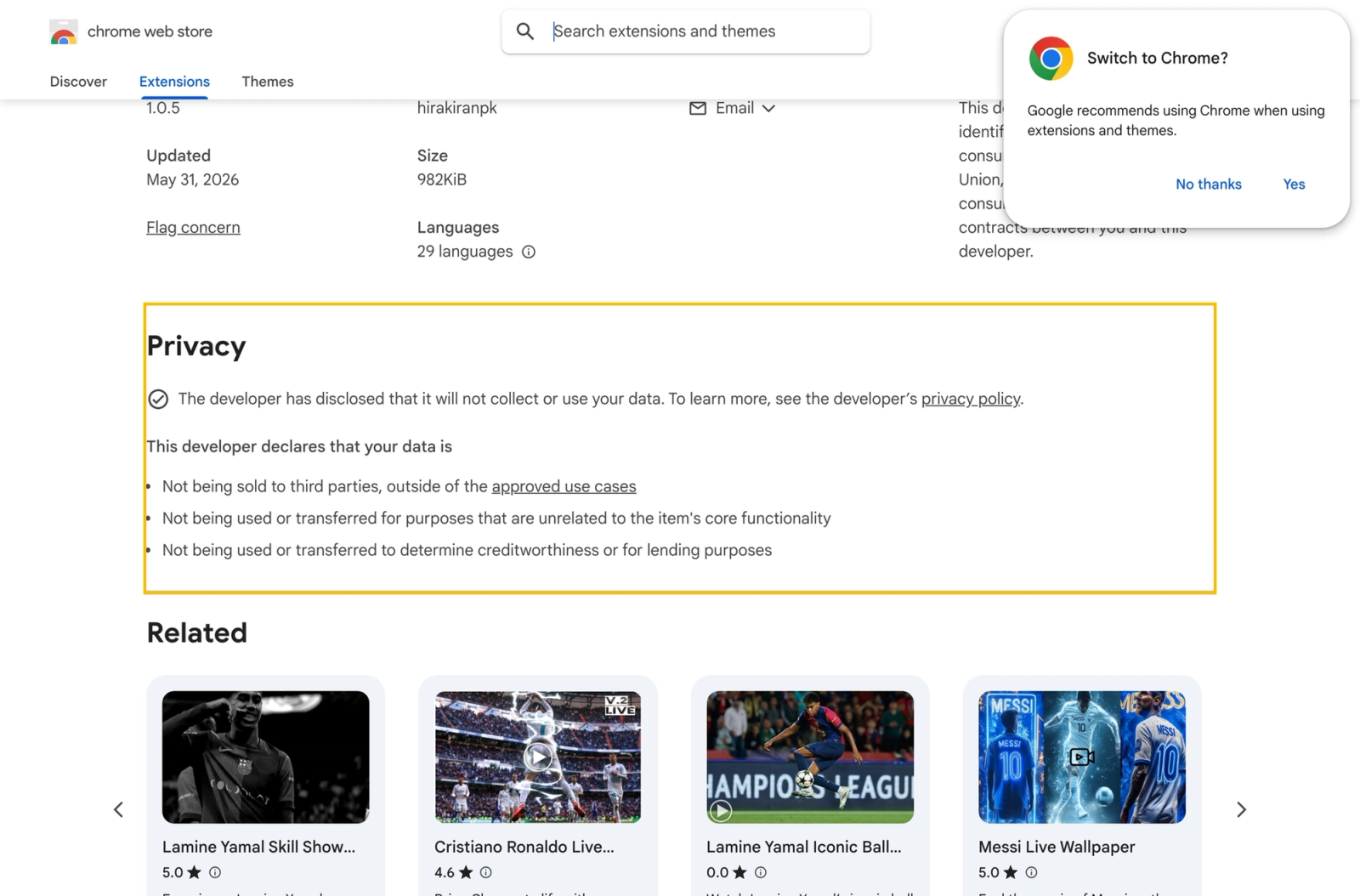
Inside the Chrome Web Store listings, the developers stated they did not collect user data. However, the associated privacy policies told a very different story, describing the collection of IP addresses, internet provider details, referral sources, and click data, along with the transfer of this information to advertising partners.
Faking Google Search Traffic on Install and Uninstall
The core deception operated through the extension’s installation and removal pages. In 54 of the extensions built on a newer template called tabplugins, installing the extension automatically opened the operator’s website with the URL parameters utm_source=google and utm_medium=organic. Analytics platforms could easily interpret this visit as a legitimate, organic search referral from Google, even though the tab was opened entirely by the extension itself. On removal, the extension triggered an uninstall URL formatted as a google.com/url redirect, complete with parameters typical of a search result click. As a result, even the signal generated by deleting the extension mimicked a genuine Google search visit.
This scheme did not replace the user’s default search engine or inject advertisements into the websites they visited. Instead, revenue came from directing users to branded pages carrying ad blocks, while the falsified attribution inflated the apparent quality of the traffic for advertising systems and affiliate programs. In practice, simply installing one of these extensions turned the user’s device into a generator of artificially manufactured organic visits. You can read Socket’s full technical breakdown of these 152 extensions for further details.
Hidden Storage-Clearing Code Found Across All Samples
Researchers also found identical code fragments inside every functional build they examined. Upon launching a service worker, this code iterated through IndexedDB databases and attempted to delete them. In their current form, these routines operated only within the extension’s own storage scope and did not touch websites, cookies, localStorage, or active user sessions, meaning nothing was actually erased from the browser.
Even so, researchers flagged this behavior as deeply suspicious. A live wallpaper extension has no legitimate reason to silently purge its own storage on startup.
Infrastructure and Takedowns
Several of the extensions routed their activity through the domains tabplugins, yowgames, and chromewallpaper, with one domain redirecting to owhit.com. By the time Socket published its report, 11 of the extensions had already been removed from the Chrome Web Store. Three additional extensions contained a bug in their background script that prevented the installation logic, removal logic, and IndexedDB cleanup from triggering, though the extensions themselves still installed and modified the browser’s new tab page.
What Users and Security Teams Should Do
Users are advised to remove any live wallpaper extensions connected to the tabplugins, yowgames, or chromewallpaper brands. They should also verify that Chrome’s new tab page and default search engine settings have not been altered. Before installing similar extensions in the future, users should compare the data practices listed in the Store listing against the full privacy policy text.
Security teams are encouraged to search for family-wide behavioral indicators rather than individual identifiers. Key signals include IndexedDB deletion attempts, a setUninstallURL containing a google.com/url redirect, and installation URLs carrying the parameters utm_source=google combined with utm_medium=organic.
Support Our Threat Intelligence
If you find our technology report and cybersecurity news helpful, consider supporting our work.
 Buy Me a Coffee
PayPal
Buy Me a Coffee
PayPal


