Tag: Windows 10 20H2 RTM

  • Microsoft confirms Thunderbolt NVMe SSD problem in Windows 10 v2004/20H2

    Microsoft has earlier released the Windows 10 20H2 RTM version, but currently, Microsoft is gradually suspending the push of this version in order to collect data and troubleshoot problems.

    Microsoft did not explain why the push of the new version was suspended. Microsoft only said that many users have already upgraded and can use telemetry data to monitor the operation.

    What’s interesting is that Microsoft has really found a compatibility problem, which will only affect a very small number of users, but if users encounter it, they will directly trigger the blue screen of death.

    The company stated in the latest support announcement that if your device comes with a Thunderbolt interface, you should avoid using it with NVMe SSD.

    Because Windows 10 20H2 encounters an NVMe solid-state drive connected through the Thunderbolt interface, it will directly blue screen of death. This problem is also caused by the driver.

    If the user sees the blue screen of death, it means that this is the problem. The trigger rate of the problem is almost 100%, so it will affect the user’s use.

    Microsoft writes:

    An incompatibility issue has been found with Windows 10, version 2004 or Windows 10, version 20H2 when using an Thunderbolt NVMe Solid State Disk (SSD). On affected devices, when plugging in a Thunderbolt NVMe SSD you might receive a stop error with a blue screen and “DRIVER_VERIFIER_DMA_VIOLATION (e6) An illegal DMA operation was attempted by a driver being verified.” Affected Windows 10 devices will have at least one Thunderbolt port and any currently available version of the driver file stornvme.sys.

    At present, Microsoft has contacted Intel to investigate the Thunderbolt interface driver to see where the problem is caused in order to release a new driver for repair.

    Of course, it should be emphasized that this problem only occurs when the Thunderbolt interface is combined with the NVMe SSD. Connecting the Thunderbolt interface to other hard drives will not cause a blue screen.

    So if you need to use a mobile hard drive, you can continue to use the Thunderbolt interface with confidence, as long as the mobile hard drive is not an NVMe SSD solid-state drive, that’s fine.
  • Microsoft announced the suspension of Windows 10 20H2 RTM version push to collect feedback data

    The Windows 10 20H2 RTM version is currently being gradually pushed to users. Currently, the new version has been pushed mainly by some relatively new devices. These devices have better compatibility so they can get the push earlier.

    However, Microsoft has decided to gradually suspend the push of new versions in the next few weeks. The interesting thing is that this time it is not a serious problem that caused Microsoft to suspend pushing Windows 10 20H2 RTM.

    Previously, various new versions have more or less suspended updates, but usually only when there is a serious problem that affects the user’s use will be suspended.

    This time, the Windows 10 20H2 RTM version was suspended not because of problems, but Microsoft felt it necessary to continue to feedback data to troubleshoot critical problems.

    Microsoft officially stated that in order to ensure a reliable download and update experience, Microsoft will gradually limit the availability of the new version in the next few weeks, so users may not receive Windows 10 version 2009 Update.

    At present, only audio drivers have problems in the list of known problems, and there are no serious problems that affect a large number of users.

    So in the final analysis, Microsoft itself is very worried that the new version may have serious problems, so it needs to collect telemetry and feedback data from users who have already upgraded.

    Although Microsoft’s worries may not be redundant, if users still want to quickly upgrade to a new version, they can also manually upgrade in other ways.

    For example, the upgrade can be completed through the Windows 10 Update Assistant, media creation tool, or directly download the image file. These upgrade methods are not affected by Microsoft.

    However, based on stability considerations, we still recommend users to wait for Microsoft, after all, the new version is only a minor update and does not bring too many new features.

  • Microsoft is about to launch Windows 10 20H2 RTM

    The October 2020 update that Microsoft prepared for Windows 10 is now basically completed. Of course, as you know, this version only brings a few new features for small updates.

    Despite this, Microsoft is still preparing to launch this autumn version according to the original process, including preparing back-end servers, media creation tools, etc. After the preparation is complete, Microsoft can push it to all users.

    It is rumored that Microsoft has completed the signing of the Windows 10 20H2 RTM version, but because of some problems, Microsoft did not push it to users this week.

    However, Microsoft has released some supporting documents and instructions for this version on the support website in advance. Of course, the supporting documents are also content that Microsoft needs to prepare in advance.

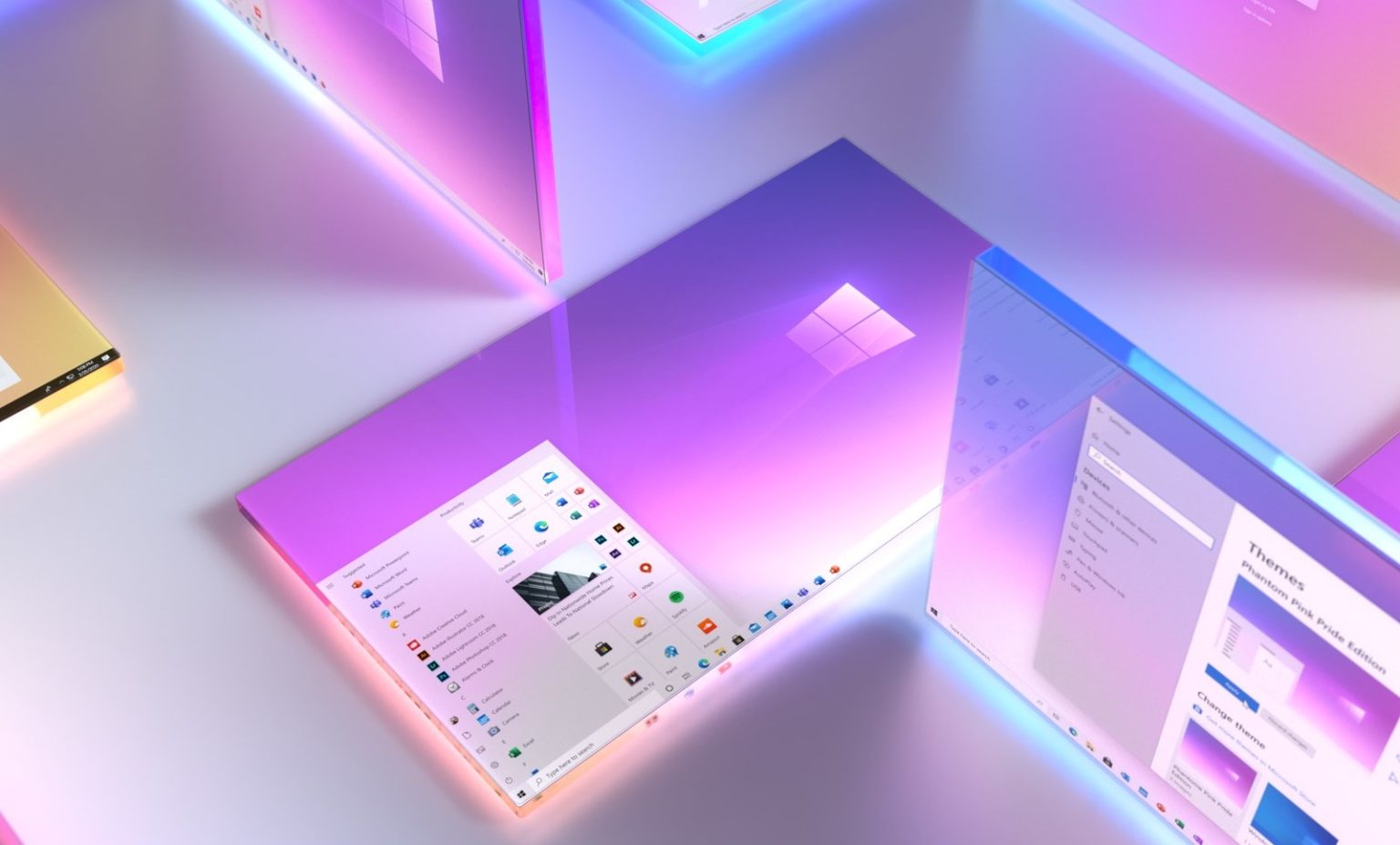
    new Start Menu Windows 10

    These signs indicate that Microsoft has basically completed the preparations for the release of the new version, so if there are no surprises, Microsoft may push the new version to users next week.

    At the same time, some current users have also seen the new version prompt in the system update, but the push has not yet been received, waiting for the Microsoft back-end server to complete the preparation.

    At that time, users will be able to obtain the new version of the installation image to perform the upgrade through the system update module, media creation tool.

    Update: