How to install text editor Atom in Linux
Atom is a cross-platform text editor for Github specifically for programmers. With a simple and intuitive graphical user interface, and there are many interesting features: support for CSS, HTML, JavaScript, and other web programming languages. It supports macros, automatically completes the split-screen function, the integrated file manager. Atom is an Electron desktop application built using html, javascript, css, and node.js.
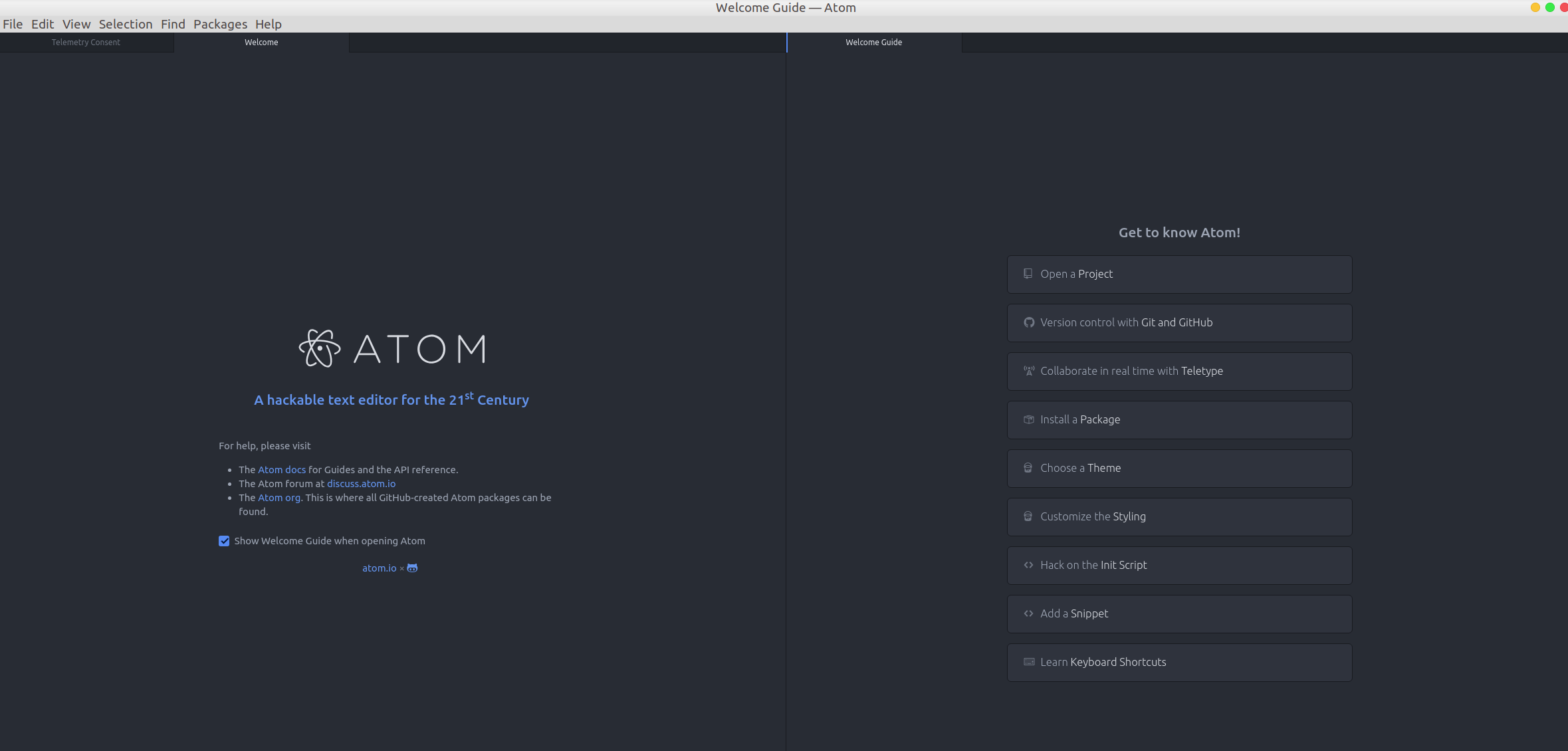
The easiest way to quickly install the Atom editor on your Ubuntu system is to install it directly using the official source. The following I will show you how to install the Atom code editor in Ubuntu.
- Update the package list of the software source and install the dependencies
sudo apt update
sudo apt install software-properties-common apt-transport-https wget -
Import the Atom Editor GPG key using the following wget command:
wget -q https://packagecloud.io/AtomEditor/atom/gpgkey -O- | sudo apt-key add –
Continue to enable the Atom official repository in Terminal and type the following command:sudo add-apt-repository “deb [arch=amd64] https://packagecloud.io/AtomEditor/atom/any/ any main”
-
After the repository is enabled, execute the following command in Terminal to install the latest version of the Atom code editor.
sudo apt install atom

Support Our Threat Intelligence
If you find our technology report and cybersecurity news helpful, consider supporting our work.
 Buy Me a Coffee
PayPal
Buy Me a Coffee
PayPal

USDT (TRC20):
TN8BdV8cp4T1Cd28gK9qTAnZknzzuwyUtm
USDT (ERC20):
0x3725e1a7d3bc5765499fa6aaafe307fabcd75bce


