Fix ERROR 1698 (28000): Access denied for user ‘root’@’localhost’ in MySQL
Recently, when I try to install and create a database in MySQL, I got “ERROR 1698 (28000): Access denied for user ‘root’@’localhost’” error. After that, I found a method for this bug. So this article shows how to fix this bug.
After the installation is complete, the following error occurs when logging in to MySQL:

- Add “skip-grant-tables” line to mysqld.cnf file using the command:
sudo vim /etc/mysql/mysql.conf.d/mysqld.cnf - Restart mysql-server
sudo service mysql restart - Change permission for root user mysql with the command:
mysql -u root -p
use mysql;
update user set authentication_string=password(“your_password”) where user=”root”;
flush privileges;
select user,plugin from user;
 update user set authentication_string=password(“your_password”),plugin=’mysql_native_password’ where user=’root’;
 - Remove or add comment character (#) to “skip-grant-tables” line on mysqld.cnf file and restart mysql server
- Enjoy!
 update user set authentication_string=password(“your_password”),plugin=’mysql_native_password’ where user=’root’;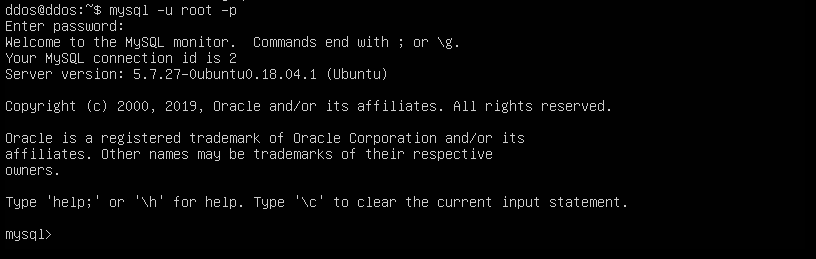
Support Our Threat Intelligence
If you find our technology report and cybersecurity news helpful, consider supporting our work.
 Buy Me a Coffee
PayPal
Buy Me a Coffee
PayPal

USDT (TRC20):
TN8BdV8cp4T1Cd28gK9qTAnZknzzuwyUtm
USDT (ERC20):
0x3725e1a7d3bc5765499fa6aaafe307fabcd75bce