Microsoft is forcing Windows 11 Home Edition users to use online accounts
In the leaked Windows 11, users found that if the home version is selected during installation, they must log in to the Microsoft account during the out-of-the-box (OOBE) phase.
If the user does not have a Microsoft account, he can directly register a Microsoft account in the out-of-the-box phase. If there is no account and do not register an account, the installation will not continue.
Obviously, Microsoft is forcing users to log in to use Microsoft accounts. This situation has also appeared in the Windows 10 version before and has been complained about by users.
But at that time, Microsoft still made improvements to allow users to use offline accounts in a few more steps, and there are no hidden steps in Windows 11.
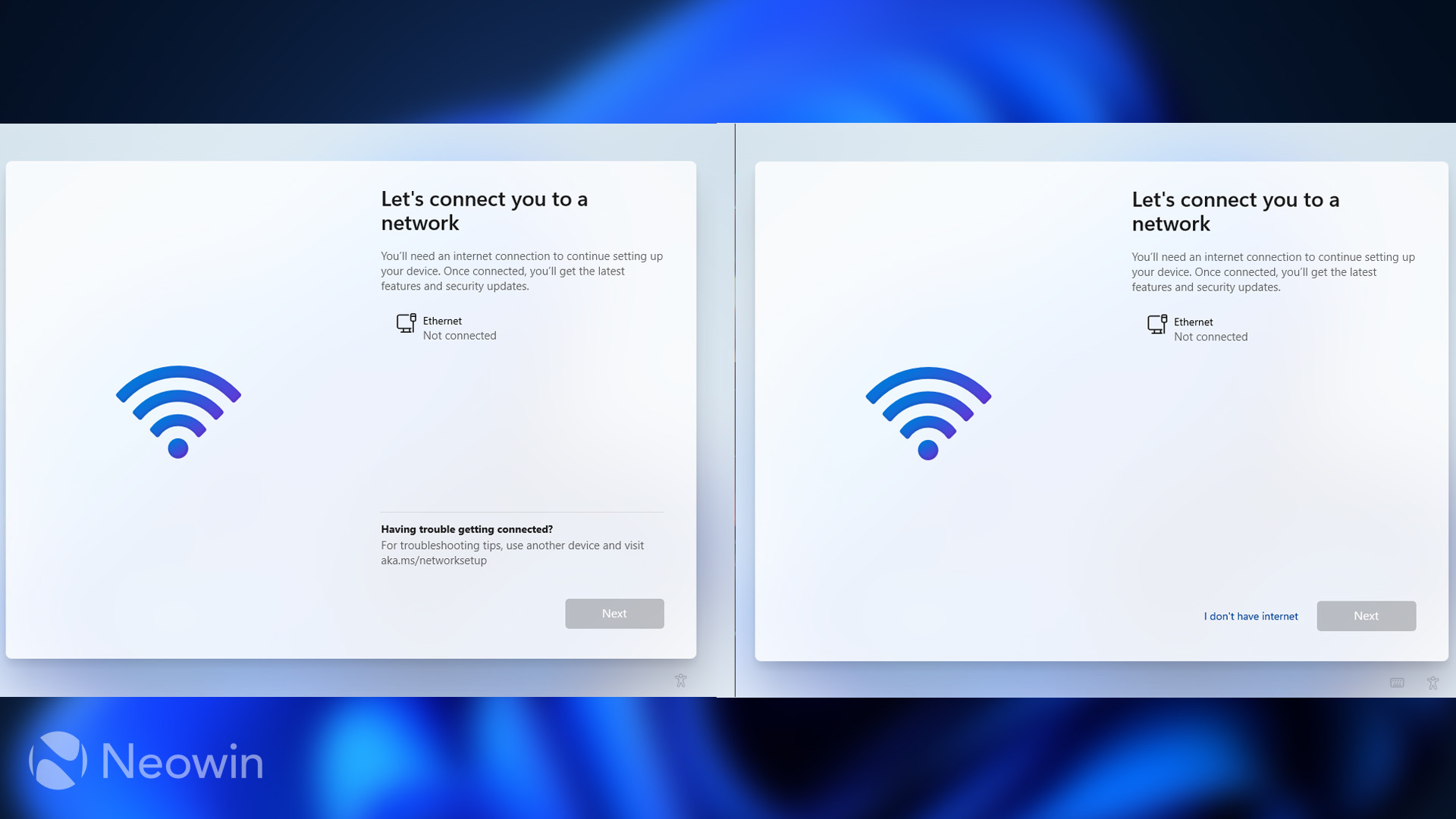
Image: Neowin
Just forcing users to use online accounts, some users have found that they can bypass Microsoft’s restrictions. This way of bypassing may not be thought of by most users.
The bypass method is to directly press the shortcut key combination Alt+F4 in the login account interface of the out-of-the-box phase, and the interface immediately becomes local after the shortcut key combination is used.
It is worth noting that logging in to a Microsoft account requires a network connection, but even if Windows 11 is not connected to the Internet, Microsoft continues to force users to log in with a Microsoft online account.
This results in users being unable to complete the settings and enter the desktop directly without the Internet, and the Alt+F4 combination maybe a skip method that Microsoft quietly reserved.
Microsoft may not want to provide skip options like the Windows 10 system, causing many users to skip directly without registering to use Microsoft’s online account.
Via: Neowin
Support Our Threat Intelligence
If you find our technology report and cybersecurity news helpful, consider supporting our work.
 Buy Me a Coffee
PayPal
Buy Me a Coffee
PayPal
